A professional site for your services
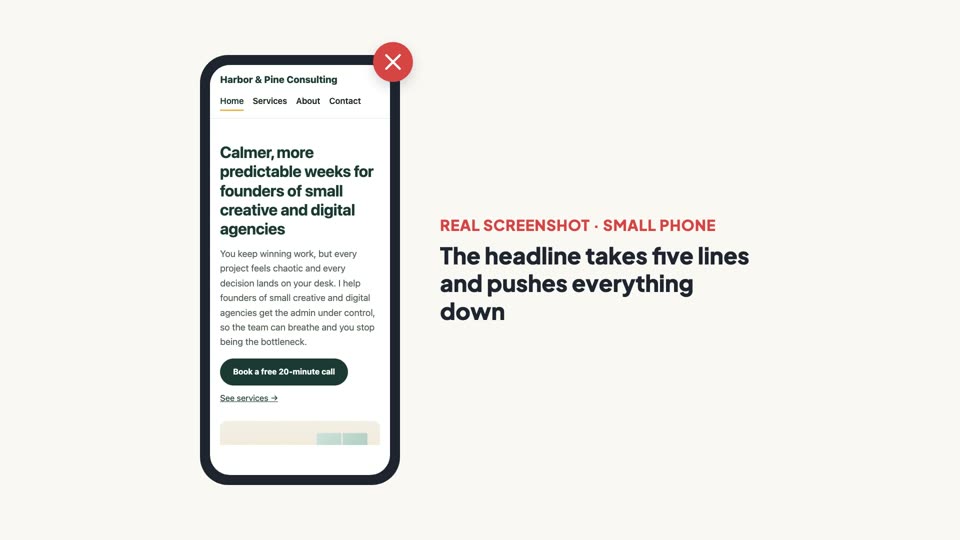
Home, Services, About and Contact pages that look right on laptops and phones.
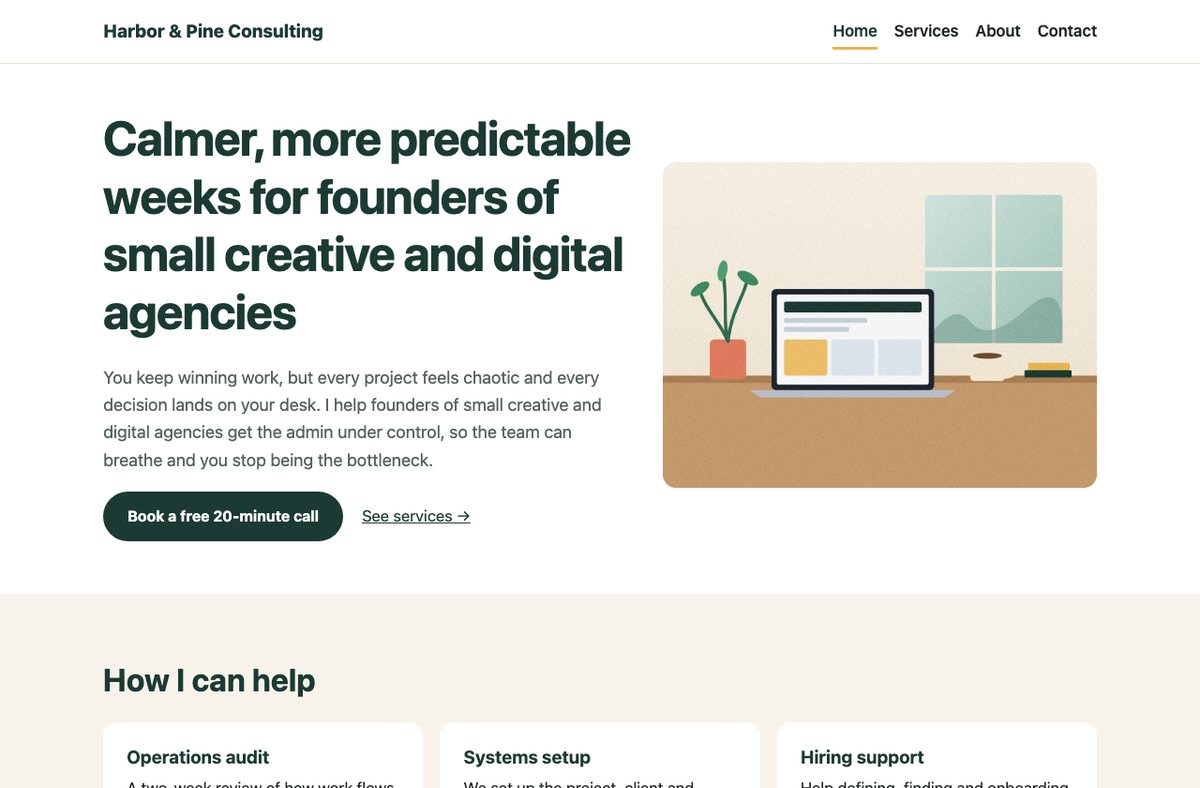
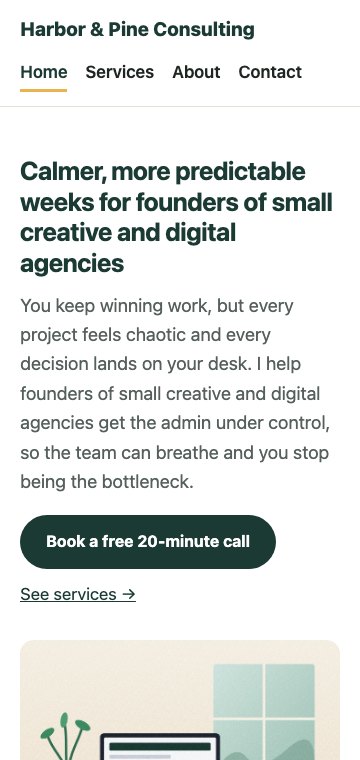
Build it with AI, no coding. Your own domain and a contact form that sends enquiries to your inbox.
Not a certificate. A working business website you own and can keep updating.
Home, Services, About and Contact pages that look right on laptops and phones.
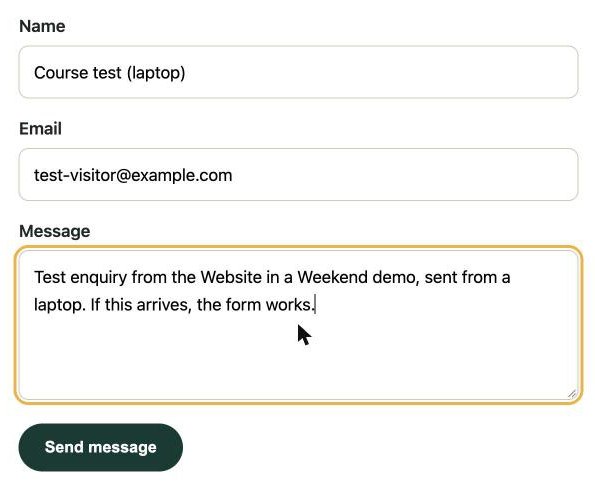
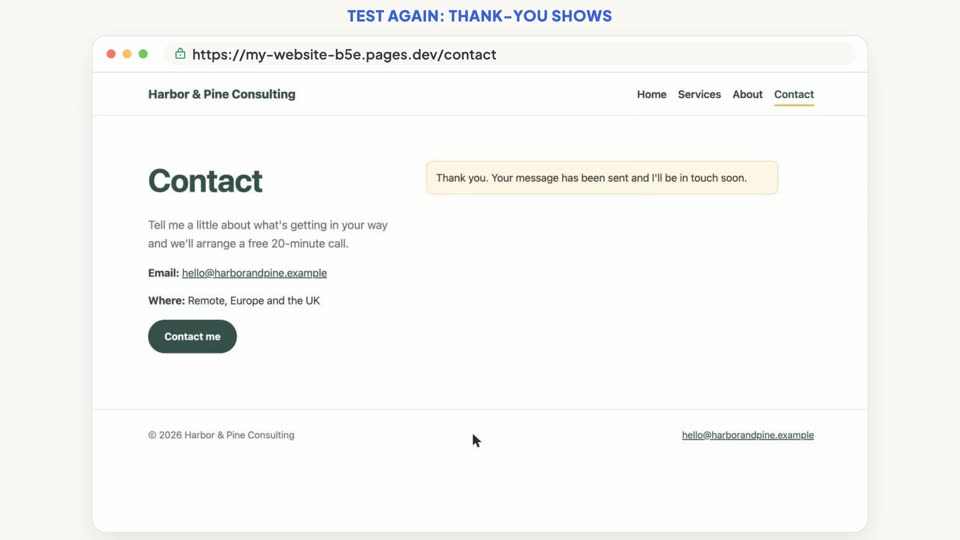
A contact form with spam protection, tested from start to finish.
With HTTPS, on free hosting that allows business use.
Ready-made files you reuse every time you update your site.
Free tutorials teach you the tool. This course gets you a finished business website and steers you around the traps that catch business owners.
Some popular free plans are for personal, non-commercial use only. We use one that allows business use.
You test the form end to end, so you know enquiries actually arrive.
Simple rules for keeping private details out of your website files.
Every version of your site is saved, so you can always roll back.
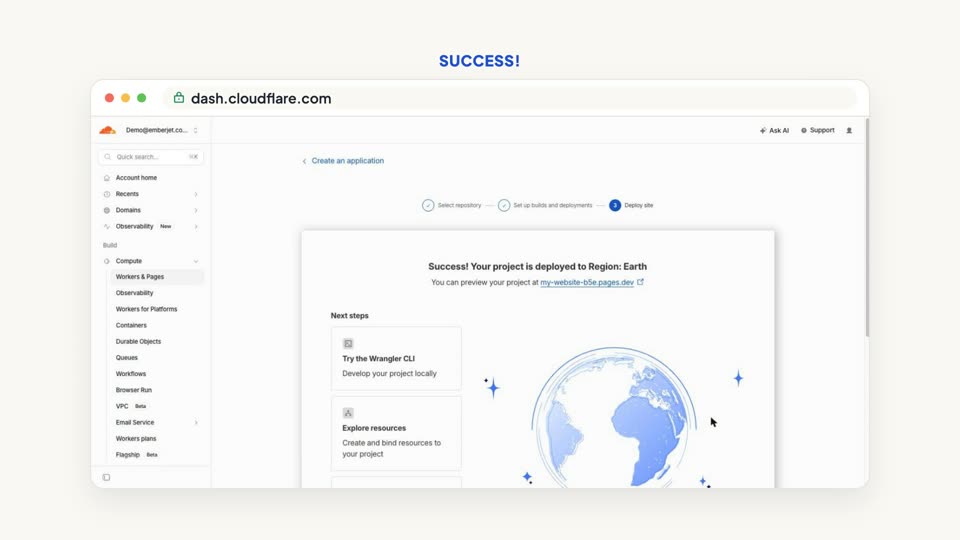
You finish with a public address anyone can visit, not a local preview.
30 lessons in 5 modules: 17 videos and 13 written guides, about 1.5 hours to watch and read. All of it is available as soon as you buy.
Every step is recorded on real tools, with a written guide next to each video.
What each one really costs, and what you end up with.
| Compare | Website builder | Hire a freelancer | Website in a Weekend |
|---|---|---|---|
| What you pay | About €15 a month + VAT, billed yearly (about €182 a year) for a plan with your own domain | About €13 to €45 an hour, typical rates on Upwork | €29 once, VAT included, plus a paid AI plan while you build or update (from about €15 a month + VAT) |
| Hosting | Part of the monthly plan | Arranged and paid separately | Free, on hosting that allows business use |
| Changes later | In their editor | You pay for each change | Describe it to the AI and it makes the change |
| Your site | Stays on their platform | Usually handed over to you | Plain files you own, on your own domain |
Prices checked 25 October 2026 and may vary by country. Wix and Upwork list them in US dollars: Wix Light plan $17 a month billed yearly, plus tax (wix.com/plans); web developers $15 to $50 an hour (upwork.com). Converted at the European Central Bank rate of 23 October 2026 (€1 = $1.1193).
No hidden extras. Here is everything you pay for, and what's free.
macOS 13 or later, or Windows 10 (version 1809) or later, with 4 GB of memory or more.
The course uses Claude Pro, which includes the AI coding tool: about €18 a month, or about €15 a month billed yearly, plus VAT (Anthropic lists $20 and $17).
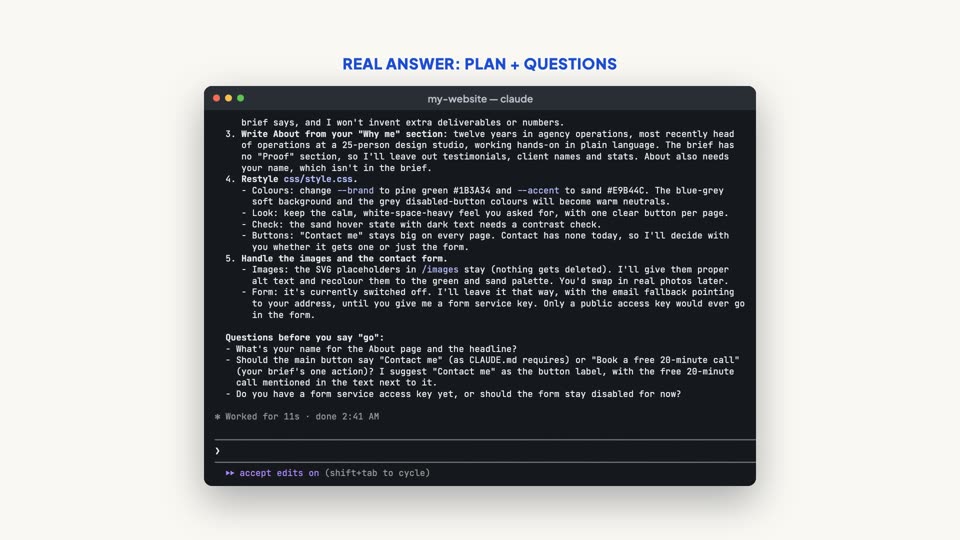
What you offer, who you help, and a few photos. Lesson 2.1 gives you a one-page brief to fill in.
An electrical engineer with an MBA, a full-stack developer and startup founder who has run a software company and builds websites and AI tools every day.
This course is the exact process, cut down to what a non-technical business owner needs. Made by Emberjet OÜ, a company registered in Estonia.
One payment, in euro, VAT included. This launch price is for a limited time; it will go up after the launch period.
Get the course, €29Not for you? Ask within 14 days of purchase and you get a full refund. That's our 14-day money-back guarantee.
No. You describe what you want in plain English and the AI writes the code. You'll learn to check the result, not to write it.
Claude Code, which is included in Anthropic's paid Claude plans. You need a Claude Pro plan or higher to follow along.
They're a good choice if you like their editor, but you rent your site from them, usually on a monthly plan to use your own domain. Here you finish with files you own, free hosting that allows business use, your own domain with HTTPS and a contact form you've tested.
The lessons take about 1.5 hours to watch and read. The rest of the weekend is for doing each step with your own text and photos, and testing. How long that takes depends on how ready your content is.
Every video lesson comes with a written guide and the exact prompts to use, and the setup and publishing lessons include troubleshooting steps. If you're still stuck, email [email protected] and we'll reply within 2 working days.
Everything: all 5 modules, the video lessons with subtitles, the starter template and the downloads. You keep lifetime access.
Not in this course. It covers a service website that collects enquiries. Online shops and card payments need a different setup.
Developers, who will find it too basic, and anyone who needs an online shop. It's built for people who want a business website that brings enquiries, and for anyone learning to build websites like that.
Yes. You learn a repeatable process: brief, template, changes with AI, publishing on your own domain, a tested contact form and a go-live checklist. You can use it for your own site and for clients' sites. The course doesn't cover finding clients or pricing your work.
Ask for a refund within 14 days of purchase and you'll get your money back.
Watch the free lesson first, or get the full course at the €29 launch price, with a 14-day money-back guarantee.